FAQ
Heylo is designed for everyone. From serious darters chasing perfection to casual players enjoying a night at home or in the pub. With auto-scoring, immersive lighting, and next-level gamification, every throw counts.
Follow our socials and sign up for our newsletter to stay up to date.
Yes, you can connect with friends using the app, or invite a guest when playing on the same setup.
We’re not here to beat the competition. We’re here to change the game.
Our current target price is €499.
For questions or support, you can contact us at help@matchflight.com.
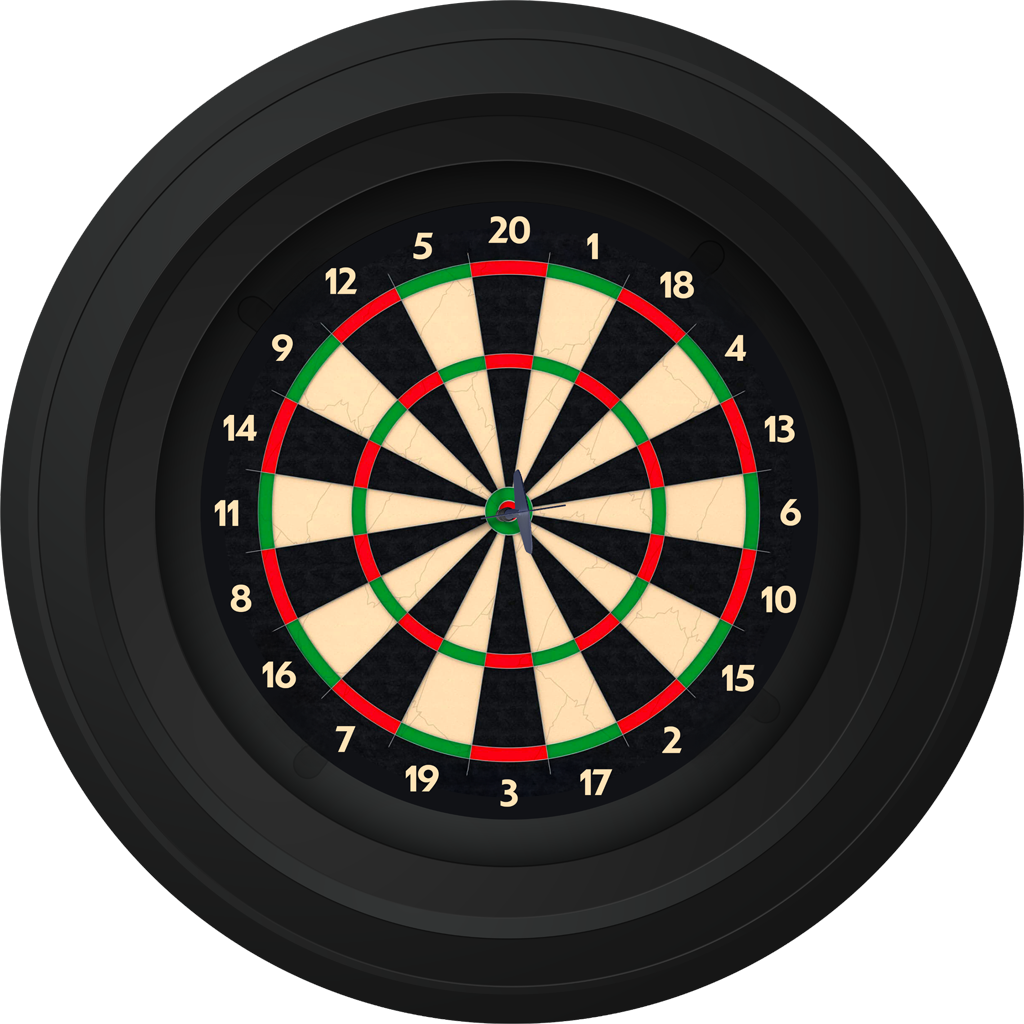
No, a dartboard is not included. Heylo is compatible with all standard dartboards, so you can use your favorite one.
Yes, Heylo comes with a 24-month warranty.
Heylo requires a power supply and a Wi-Fi connection to function.
Yes, Heylo has been tested in compliance with all relevant EU regulations and meets CE marking requirements.
Heylo measures 766 × 754 × 140 mm and has a net weight of 2.8 kg.
Yes, the app will be available on both iOS and Android at launch. We will offer two versions: Basic for getting started and Pro for the ultimate experience.
Yes, you can use the app without Heylo by manually entering your scores. Heylo unlocks the full experience, but getting started is easy.
Yes, the Matchflight app includes a free Basic version. For the full Heylo experience, you can upgrade to the Pro version to unlock all features.
No. Using Heylo requires the app. You can get started with the free Basic version, while the Pro version unlocks the full experience.
This can happen. Usually it’s one of these:
- Your confirmation email landed in spam
- Your order is still on its way
- There’s a typo in your email address
Check your spam folder and your confirmation email for shipping details.
Still nothing? Reach out to us:
Not ideal, but we’ll fix it.
- Take clear photos of the box and contents
- Send them with your order number to:
support@matchflight.freshdesk.com
We’ll sort it out as quickly as possible.
You’ll need:
- A properly mounted dartboard
- A nearby power outlet
- A smartphone (iOS or Android)
- A stable Wi-Fi connection
That’s all.
Mount it on a flat wall, straight and stable.
- Avoid direct sunlight on the board
- Keep at least 1 meter of free space around it
The bullseye should be at 1.73 meters (5 ft 8 in) from the floor.
Use the included levelling feet and check with a spirit level.
A straight board ensures accurate scoring.
Yes.
You can take it down and reinstall it anytime. Just make sure to recalibrate after setting it up again.
Getting started is easy:
- Plug in HEYLO
- Download the Matchflight app
- Turn on Wi-Fi and Bluetooth
- Go to Menu → HEYLO Management
- Follow the steps in the app
Make sure:
- Bluetooth is turned on
- You’re within 1–2 meters of the device
If needed, restart the app and try again.
Calibration allows HEYLO to recognize your dartboard correctly.
Without it, scoring won’t be accurate.
Calibrate when:
- Installing for the first time
- Switching dartboards
- Moving or rotating the board
- Scores seem incorrect
- Darts aren’t detected properly
- Open the Matchflight app
- Go to Menu → HEYLO Management
- Tap “Calibrate”
- Follow the steps
This is usually caused by:
- Incomplete calibration
- Uneven lighting or shadows
- A misaligned board
Fix it by recalibrating, improving lighting, and checking alignment.
This can be caused by:
- Calibration issues
- Poor lighting
- A damaged board
Recalibrate, adjust lighting, and check your setup.
Try this:
- Check Wi-Fi and Bluetooth
- Update your app and phone
- Unplug HEYLO for 10 seconds
- Restart everything
You can correct scores manually in the app.
If it happens often, recalibrate your setup.
Bounce-outs aren’t always detected automatically.
Simply adjust the score manually and continue playing.
Open the app, choose a game, and start playing.
Yes. You can pause, resume, or restart any game in the app.
Yes, you can play online with an active internet connection.
Yes, you can challenge other players online through the app.
Yes, add players when starting a game and the app handles the turns.
Yes, closing the app may interrupt your game.
The game may pause or slow down.
Disable sleep mode while playing for the best experience.
Yes, pause your game and resume it later.
You can play:
- Classic dart games
- Practice modes
- Matchflight-exclusive games
Yes, we regularly add new games through updates.
Yes, in many modes, especially when playing against bots.
Yes, bots are available in the app and are perfect for practice.
Yes, HEYLO is designed for both beginners and experienced players.
No, the app guides you step by step.
Please contact support. We’ll be happy to help you.
Updates improve performance, scoring accuracy, and add new features.
- Open the app
- Go to HEYLO Management → Update
- Follow the steps
Stay close to your board during the update.
- Use stable Wi-Fi
- Close other apps
- Unplug HEYLO for 10 seconds
- Restart and try again
- Restart the app
- Restart your phone
- Update the app
Check your internet connection and update both the app and HEYLO.
Unplug HEYLO for 10 seconds and restart the app.
Try this:
- Close the app
- Restart your phone
- Unplug HEYLO for 10 seconds
- Start everything again
Contact support:
support@matchflight.freshdesk.com
Yes, use a dry cloth occasionally. Do not use water or cleaning products.
No, unplug it to turn it off.
Yes, that’s perfectly fine.
Yes, with supervision.
Darts are still sharp.
No, avoid looking directly into the LEDs.
Include:
- Serial number (QR code)
- Phone model
- iOS/Android version
- Short description
- Photo or video (if possible)
- Email: support@matchflight.freshdesk.com
- WhatsApp: +31 (0)85 1300 280