
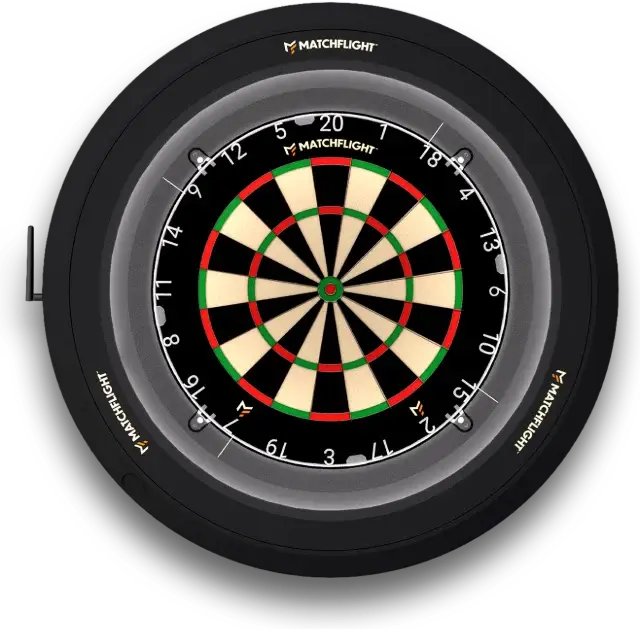
Mounting Heylo in three steps
From box to first throw: how to mount Heylo, connect it and calibrate it in the app.
What you need
- Your own dartboard: a standard 45 cm steel-tip board with a traditional number ring.
- A flat, sturdy wall that can hold at least 15 kg.
- A power socket nearby and a 2.4 GHz Wi-Fi network with internet access.
- The free Matchflight app on your phone or tablet.
Mounting hardware and the power adapter are in the box.
Step 1: choose the spot and mount Heylo
According to the official steel-tip rules, the centre of the bull should be 173 cm above the floor. The throw line is 237 cm from the front of the board. Measure horizontally across the floor, not from the wall. Lay the Matchflight oche from the box at that distance and everyone’s in the right spot straight away. Then double-check with the diagonal: from the centre of the bull to the oche, it should be 293 cm. If the diagonal is right, the height and distance are right too.
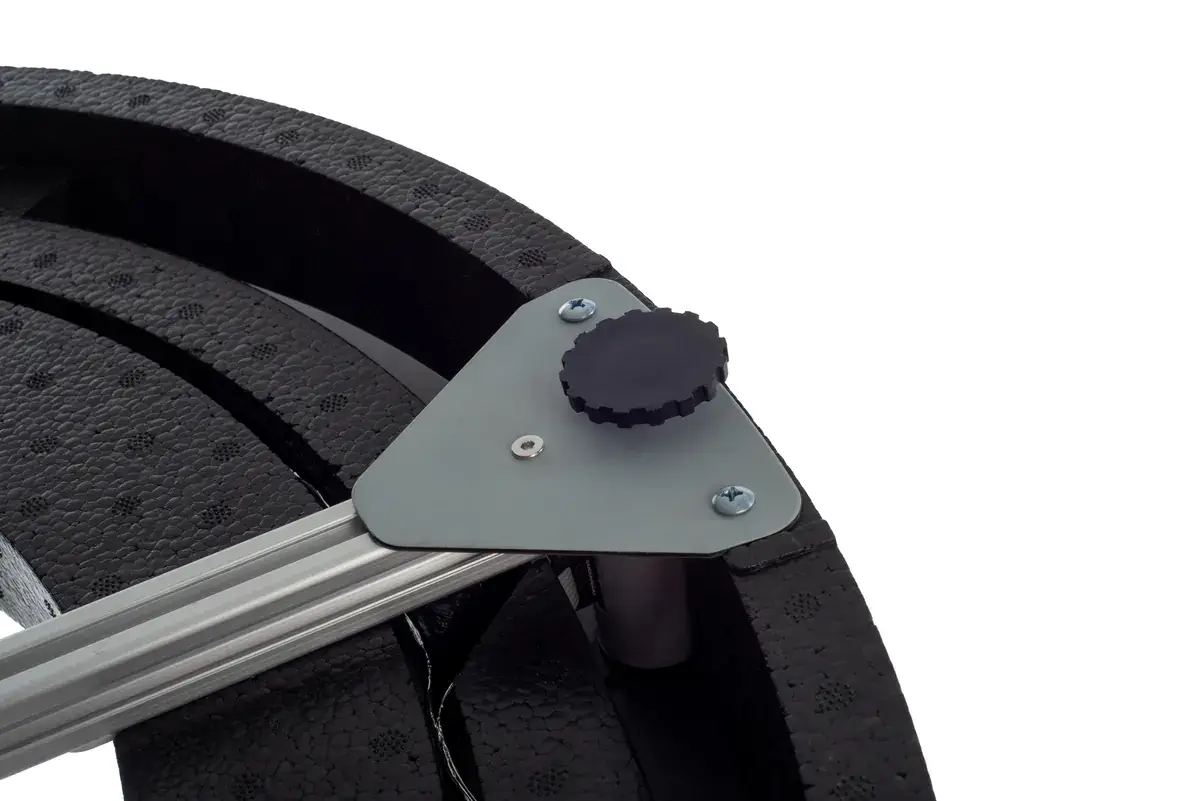
Fix Heylo to the wall with the supplied mounting hardware. Use a spirit level to check that the ring is hanging straight. You’ll find every step, with photos, in Mounting Heylo.
Step 2: fit your board and plug in
Fit your dartboard into the ring with the 20 straight up at the top. Then plug the 24V adapter into Heylo and the power socket. The LED lighting comes on as soon as Heylo has power.
Step 3: pair and calibrate in the app
Open the Matchflight app and create an account if you don’t have one yet. Pair Heylo via Wi-Fi and follow the calibration steps in the app. The app shows you exactly what to do, step by step.
Now throw your first darts. Heylo scores every throw automatically, and it appears on your phone within 500 milliseconds.
Not working?
Follow the mounting guide, check the help centre or get in touch. We’re happy to help.